Jaw-Sim LabsJaw-Sim Labs
ResultsHow It WorksPricing

Orthognathic Surgery ◈ Online Simulation

Your Face,
Your Jaw Surgery

Want to know what your face would like after jaw surgery? All you need is a picture of your side profile, and we'll simulate how jaw surgery and other procedures could impact your face.

Not a filter. Not AI art. Simulate real surgeries.

Results

See the difference

Every patient has different needs, which is why Jaw-Sim Labs lets you adjust surgical parameters simulate multiple procedures.
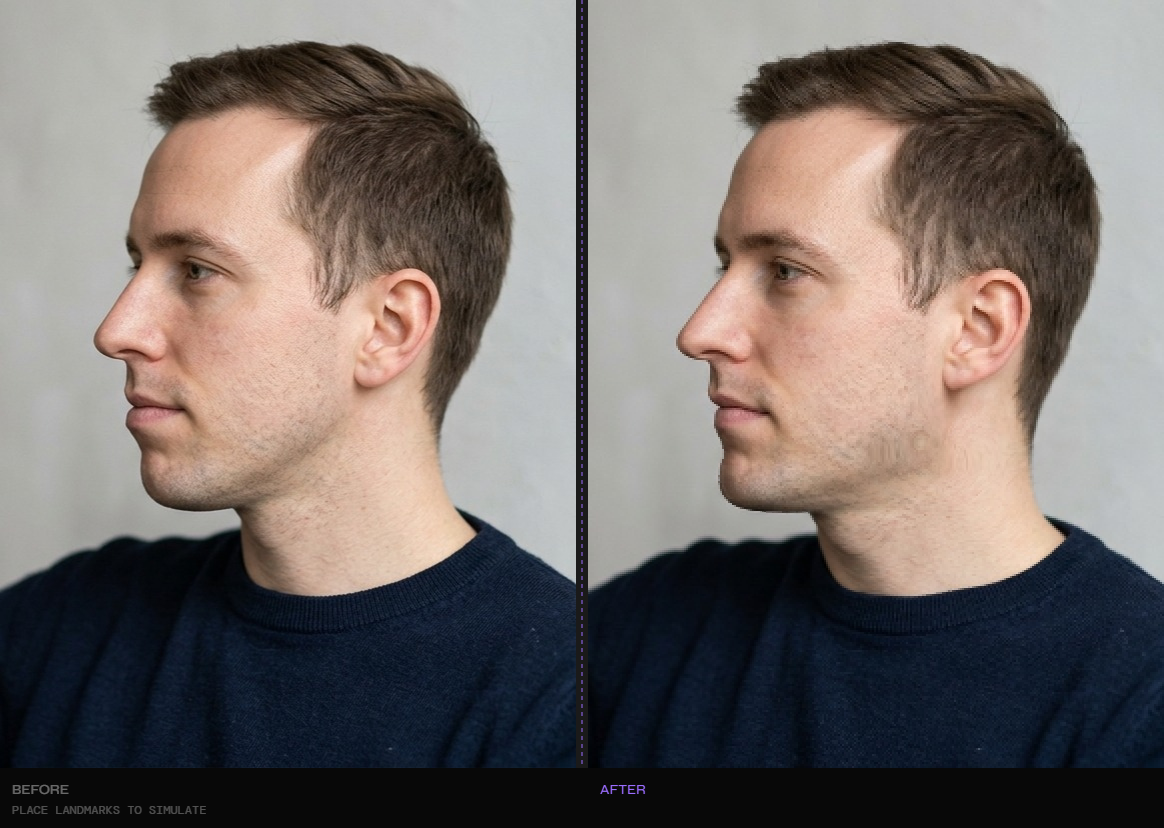
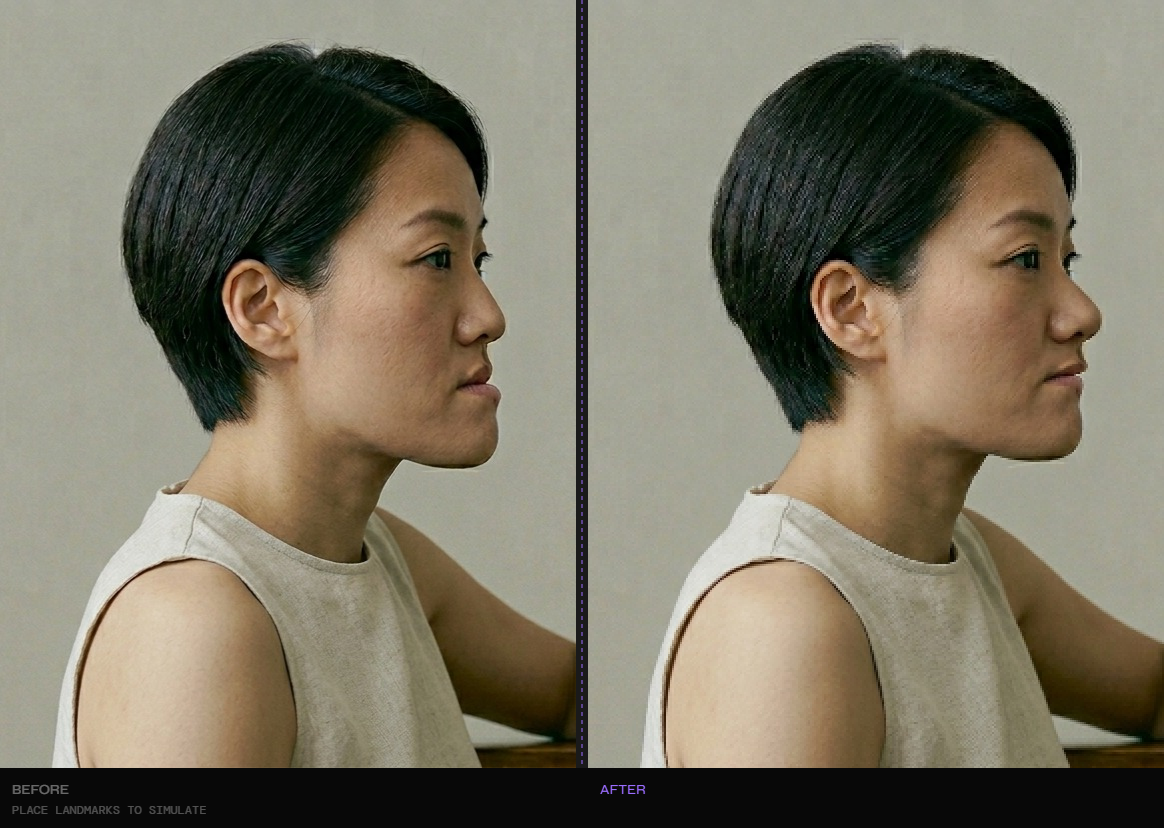
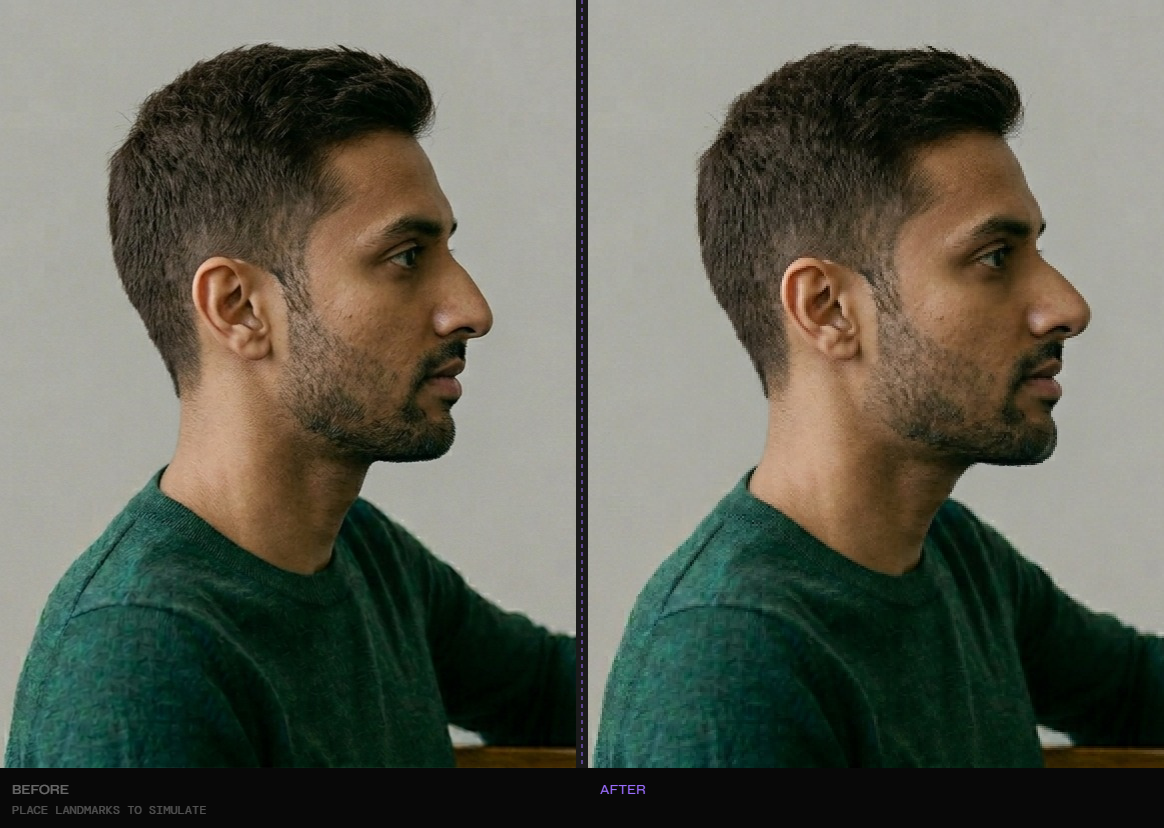
Before and after simulation
UJS · Genioplasty · Jaw Angle Implants
LeFort I to correct upper jaw recession and project midface
Genioplasty to bring the chin slightly forward, align with lower lip
Jaw angle implants to widen and lower the lower jaw
Before and after simulation
DJS · Mandibular Setback · CCW rotation
BSSO setback to bring back the lower jaw and correct underbite
Counter-clockwise rotation to straighten the steep jaw angle
Upper jaw advancement to balance the midface with lower jaw
Before and after simulation
DJS · Jaw Angle Implants · Genioplasty
Double jaw surgery to project upper and lower jaws slightly
Jaw angle implants to add width and bring down jaw angle
Genioplasty to advance the chin and harmonize the profile

The patients shown above are AI-generated facesto protect user privacy. The surgical simulations are real and were produced using Jaw-Sim Labs' engine.

Had jaw surgery and want to share your results? Get in touch — we'd love to feature real before & after submissions.

How It Works

Three steps to your simulation
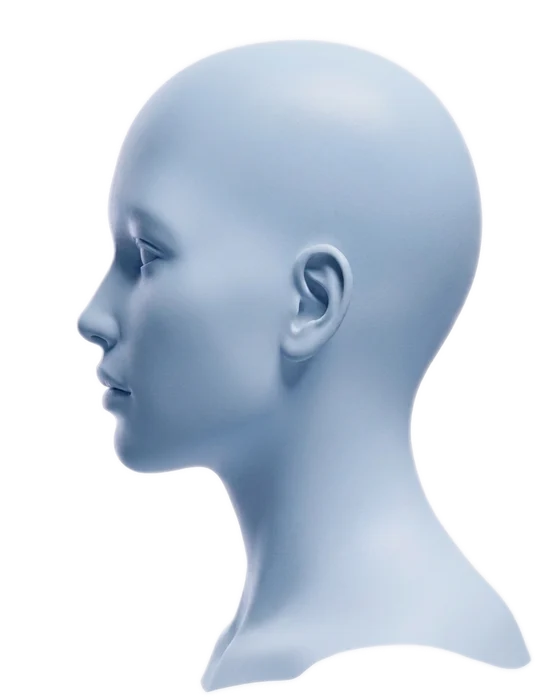
Upload your profile
01

Upload your profile

Take a side profile photo with a neutral expression. Jaw-Sim Labs works with any standard selfie or portrait.

Place landmarks & curves
02

Place landmarks & curves

Mark key facial points — nasion, maxilla, pogonion — then fit Bezier curves to your jaw contour for pixel-precise tracking.

Simulate & export
03

Simulate & export

Adjust surgical parameters in millimeters — maxillary advancement, mandibular setback, rotation — and see results in real time.

Features

Simulate Real Procedures

Double Jaw Surgery (DJS)

Simulate Le Fort I and bilateral sagittal split osteotomy with independent maxillary and mandibular controls.
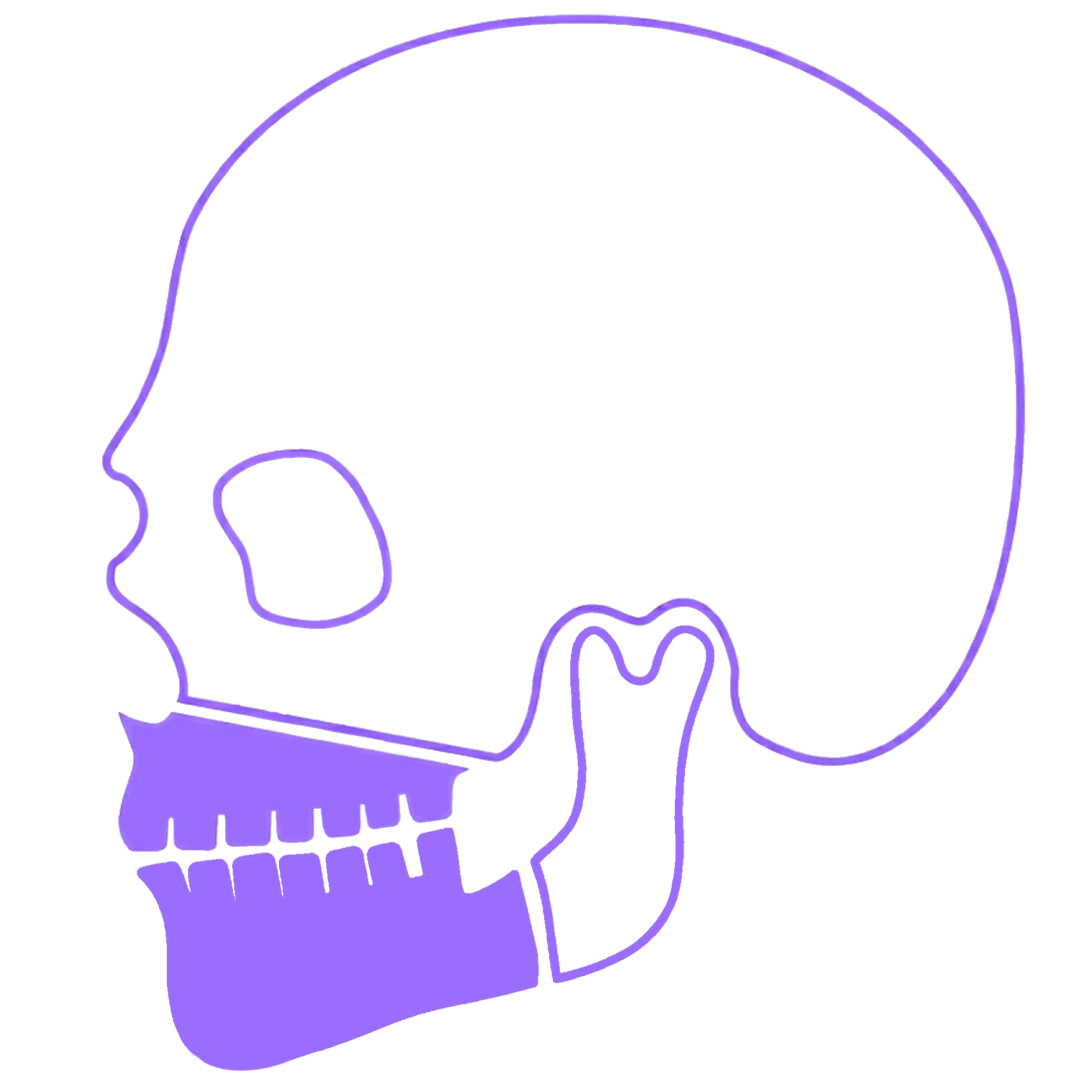
Double Jaw Surgery (DJS)

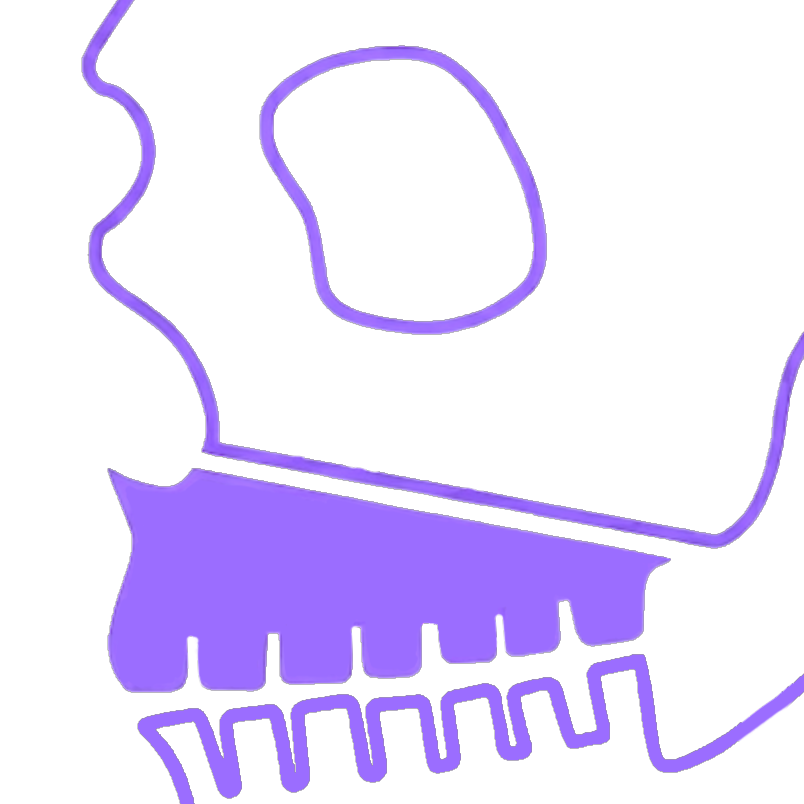
Upper Jaw Surgery (UJS)

Simulate Le Fort I osteotomy with precise maxillary advancement, impaction, and rotation controls.
Upper Jaw Surgery (UJS)

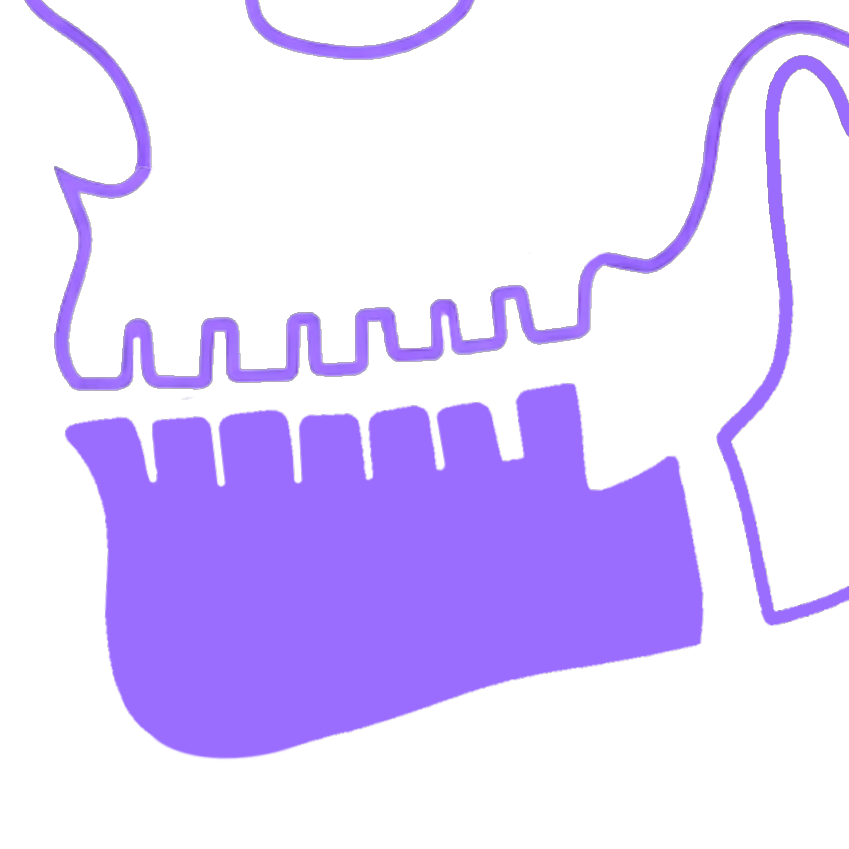
Lower Jaw Surgery (LJS)

Bilateral sagittal split osteotomy with independent mandibular advancement, setback, and rotation.
Lower Jaw Surgery (LJS)

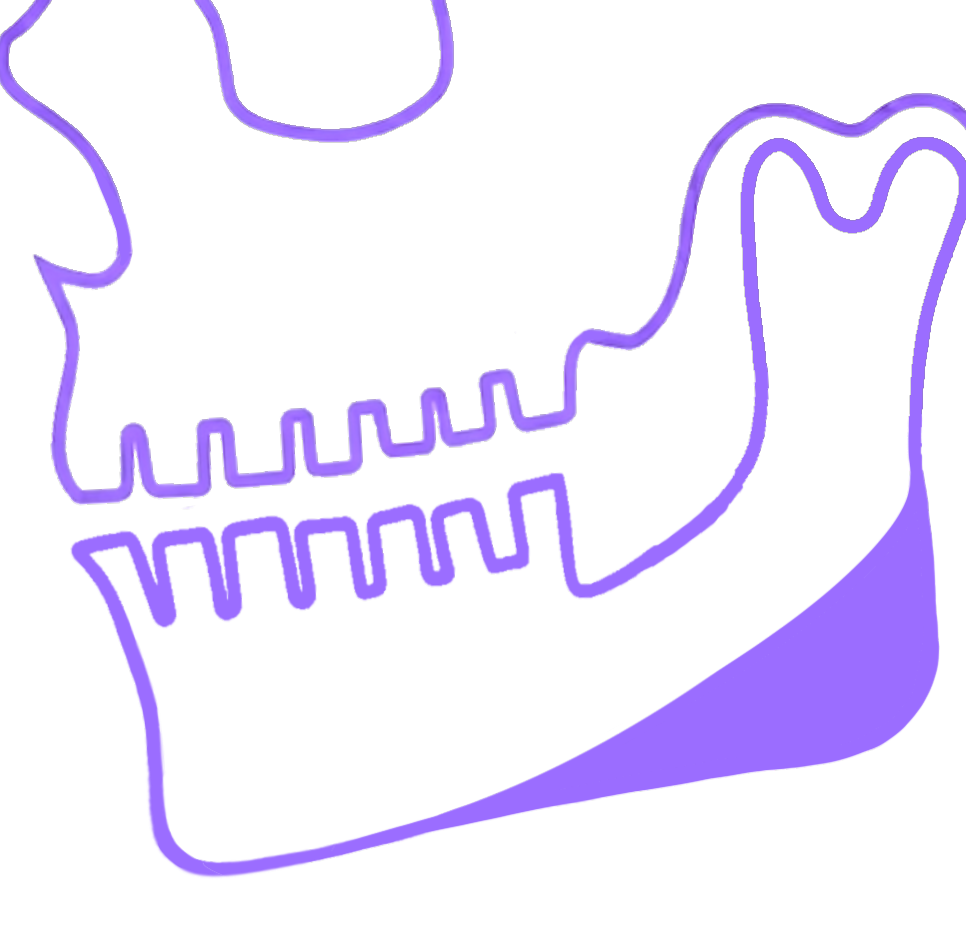
Jaw Angle Implants (Pro)

Jaw angle implants and infraorbital rim implants for patients considering combined procedures.
Jaw Angle Implants (Pro)

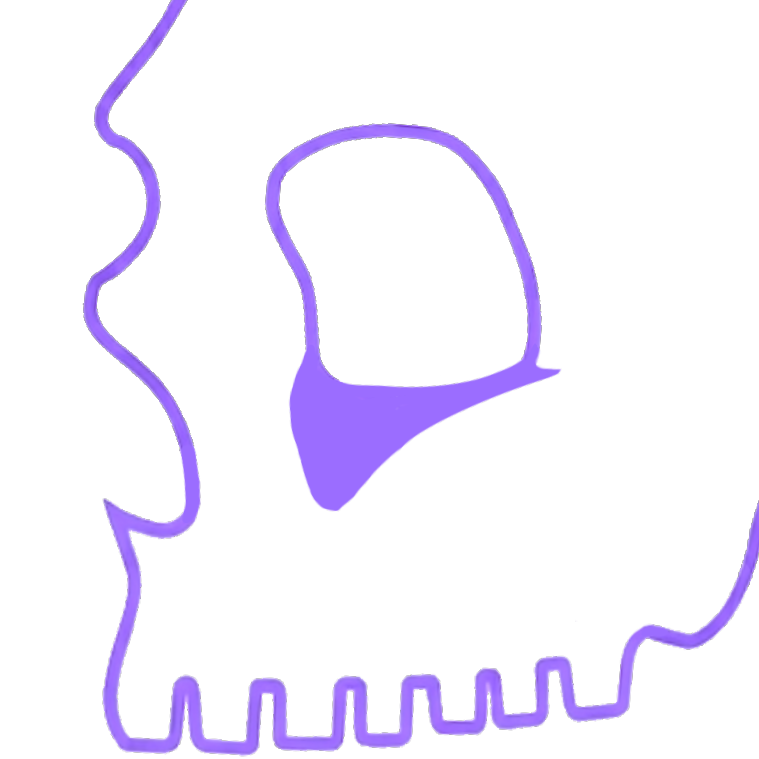
Infraorbital Rim Implants (Pro)

Add midface projection and undereye support with infraorbital rim implant simulation.
Infraorbital Rim Implants (Pro)

Genioplasty

Add chin horizontal and vertical projection to your simulation to fix chin recession.
Genioplasty

Pricing

One-time payment. No subscription.

Pay once, simulate your surgery, and keep your results forever. Your simulations are saved to your account.

Standard

$25one-time
1 photo simulation
Full DJS + genioplasty
Landmark & curve editing
Before / after export
Saved to your account
Best Value

Pro

$40one-time
Up to 3 photo simulations
Everything in Standard
Cosmetic implant tab
Jaw angle implants
Infraorbital rim implants

Secure payment via Stripe ◈ Instant access after payment

FAQ

Common questions

Large language models don't know where your maxilla is, or how it might realistically move. They can give you a pretty picture, but it may not reflect actual surgical movement. Jaw-Sim Labs simulates real orthognathic parameters — you control exact millimeter movements along actual anatomical vectors, fitted to your own facial contour with Bezier curves. The result is a geometrically realistic simulation, not an artistic interpretation. If you are seriously consideringsurgery, you should you tools that can actually simulate it - not tools that wing it.

This tool is for anyone considering jaw surgery. You're committing to your face changing when you sign up for this surgery, but patients are often left in the dark about what their face is going to look like afterwards. Some surgeons may show you morphs when planning, but this is often well after you commit to a surgeon and have already paid thousands of dollars in consultation fees and maybe even dropped a down payment. That's a tremendous amount of time and money just to have an idea of what your face might look like. So why not try out a much less expensive tool that gives you the freedom to test out how different movements and procedures can better help you meet your goals?

Jaw-Sim Labs approximates surgical movements using a single image rather than a full scan of your skull, so it cannot account for how soft tissue will react. Since we also are not using a scan of your skull, the exact movements of your jaw surgery may differ from the simulation. However, everything in the simulation will give you an idea of the general movements that might make snese for your face and desired outcomes as the patient so you can better voice your desires to your surgeon.

Yes. Your simulation is saved to your account. You can come back, adjust the surgical parameters, and re-export as many times as you want on the same photo. You're paying for the photo slot, not per export.

Standard gives you one photo simulation with full DJS and genioplasty controls. Pro gives you up to three photos and unlocks the cosmetic tab — jaw angle implants and infraorbital rim implants — for patients considering combined orthognathic and cosmetic procedures.

A standard side profile photo with a neutral expression and your mouth closed. Natural lighting works best. The photo should show your full face from the side. Try to avoiding odd angles or backgrounds that are similar to your hair or skin tone, and leave some space around your head for the background so your face has enough space on the screen during the simulation.

Ready to see your results?

Upload your photo, place your landmarks, and simulate your surgery in minutes.

DisclaimerJaw-Sim Labs is a visualization tool, not a medical device. Simulations are geometric approximations of surgical movements and do not account for soft tissue response, bone density, healing variability, airway considerations, or other clinical factors. Results should not be interpreted as a prediction of surgical outcomes. Always consult a board-certified oral & maxillofacial surgeon or orthodontist before making any decisions about orthognathic surgery. Jaw-Sim Labs is not a substitute for professional medical advice, diagnosis, or treatment.